
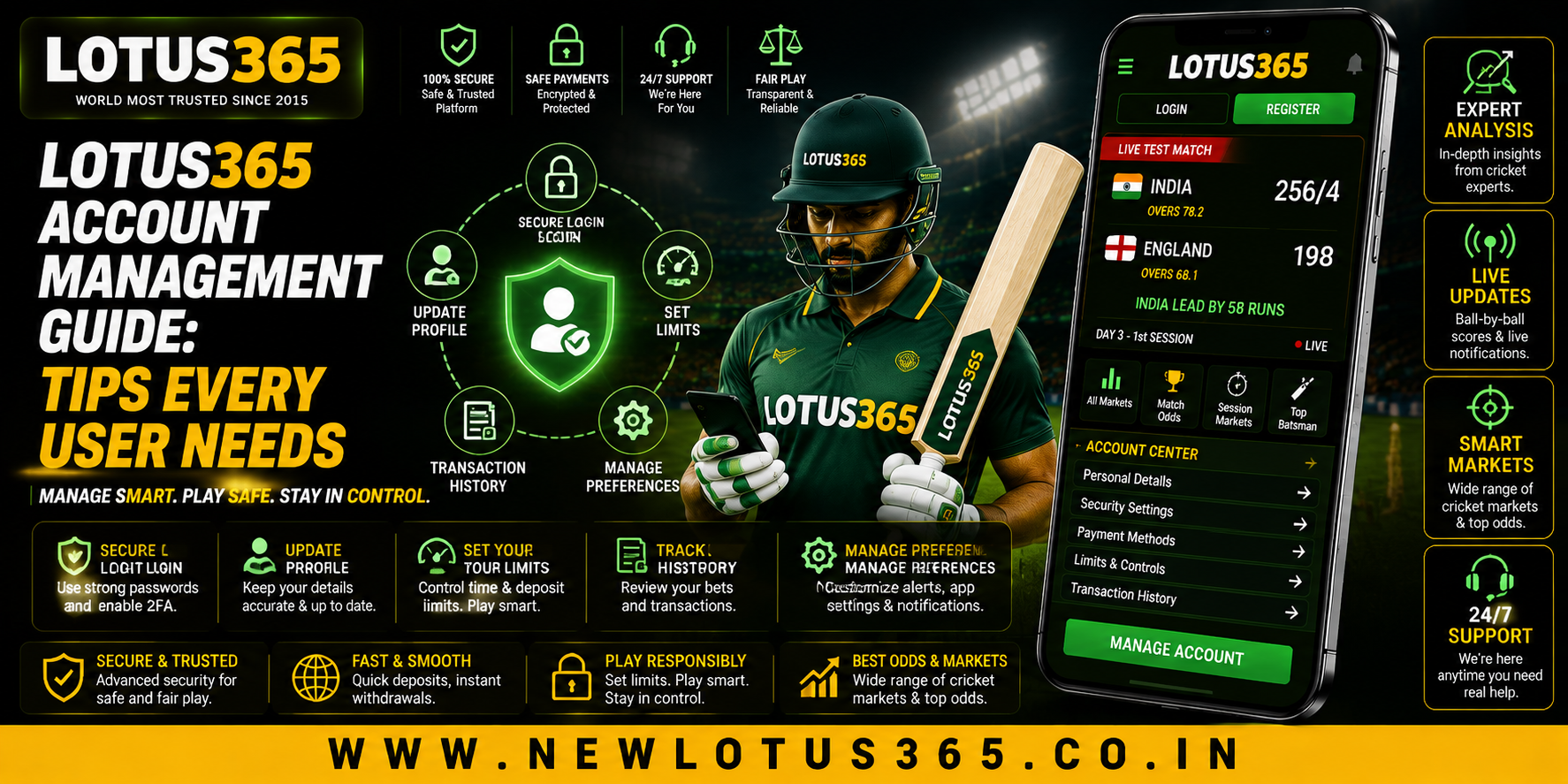
 Lotus365 Account Management Guide: Tips Every User Needs
 2026-08-27
Introduction
Managing an online account properly is an important part of maintaining a secure and organised digital experience. For users exploring Lotus365, understanding basic account settings, login practices, payment information, and security precautions can make everyday access easier. A few simple habits can also help users avoid common mistakes involving passwords, suspicious messages, and unauthorised access.
Whether accessing the platform through a desktop browser or mobile device, users should prioritise account security and understand the available account-management features before using them regularly.
Understanding Your Account Dashboard
After signing in, the account dashboard is generally the main place to manage personal settings and review available information.
Users should become familiar with areas such as:
- Profile information
- Login and security settings
- Transaction history
- Payment-related sections
- Support options
- Account notifications
Learning where these sections are located can make future account management more convenient.
Keep Your Login Details Private
One of the most important account-management practices is protecting login credentials.
Users should:
- Create a strong and unique password.
- Avoid using the same password on multiple websites.
- Never share login credentials with another person.
- Avoid saving passwords on public or shared computers.
- Change the password if suspicious activity is noticed.
A password should not contain easily identifiable information such as a name, birthday, or commonly used number.
Review Account Information Regularly
Keeping account information accurate can help prevent unnecessary problems later.
Periodically check whether your registered information is correct and whether there are any unexpected changes.
Pay particular attention to:
- Registered contact details
- Account notifications
- Login activity
- Transaction records
- Security settings
If something appears unfamiliar, investigate it through an authorised support channel rather than ignoring it.
Protect Your Lotus365 ID
Your Lotus365 ID should be treated as private account information. Avoid posting account details publicly or sending them through unverified social-media accounts and messaging services.
If someone claims to be a representative and asks for your password, OTP, or other confidential information, do not provide it.
Legitimate support should not require users to reveal sensitive authentication credentials.
Manage Password Recovery Carefully
Forgetting a password can happen, but recovery should always be completed through the platform's legitimate recovery process.
Before entering recovery information:
- Check the website address.
- Make sure the connection is secure.
- Follow the official recovery instructions.
- Create a new, unique password.
- Do not share recovery codes with anyone.
Avoid clicking recovery links received from unknown numbers or email addresses.
Check Payment Information Carefully
Account management can also involve payment-related sections. Users should review transaction details carefully before completing any deposit or withdrawal.
Important details to check may include:
- Payment method
- Transaction amount
- Account details
- Processing requirements
- Applicable limits
- Transaction status
Never share your UPI PIN, banking password, card PIN, CVV, or OTP with another person.
If payment instructions received through a message differ from those shown through the authorised platform, stop and verify the information first.
Keep Track of Transactions
Regularly reviewing transaction history can help users identify unfamiliar activity.
When checking transactions, look for:
- Unexpected amounts
- Unknown transactions
- Duplicate entries
- Unusual timestamps
- Pending transactions
- Incorrect payment details
Keeping transaction references can also be useful when contacting legitimate customer support about a payment issue.
Mobile Account Management
Many users access online platforms through smartphones. Mobile convenience makes account security particularly important because phones can be lost, shared, or exposed to malicious applications.
For safer mobile access:
- Keep your operating system updated.
- Use a screen lock.
- Install applications only from trusted sources.
- Avoid unknown APK files.
- Keep browser software updated.
- Avoid logging in on public devices.
- Do not use suspicious links.
If your phone is lost, secure your important accounts as soon as possible.
Recognise Suspicious Messages
Fake account alerts and support messages are common methods used to trick users into revealing information.
Be cautious when a message:
- Creates unnecessary urgency.
- Requests your password.
- Asks for an OTP.
- Requests an unexpected payment.
- Contains a suspicious link.
- Promises guaranteed benefits.
- Claims your account will immediately be blocked.
Instead of using the link provided in the message, access the platform through a trusted route and check your account directly.
Use Support Channels Responsibly
Customer support can help with account, login, technical, and transaction-related problems. However, users should make sure they are contacting an authorised support channel.
When reporting a problem, provide useful information such as:
- Description of the issue
- Relevant error message
- Approximate time of occurrence
- Transaction reference, where appropriate
Never include your password, OTP, or other confidential authentication details in a support request.
Review Your Account Security Periodically
Account security should not be treated as a one-time task.
A simple monthly review can include:
- Checking recent account activity
- Updating passwords when necessary
- Reviewing connected devices
- Checking transaction history
- Removing access from unfamiliar devices
- Confirming contact information
This routine can make unusual activity easier to identify.
Responsible Account Use
Account management also means maintaining control over betting activity. Sports betting involves financial risk, and users should not treat it as a guaranteed source of income.
Responsible habits include:
- Set a personal spending limit.
- Avoid chasing losses.
- Never borrow money for betting.
- Take regular breaks.
- Do not bet to recover previous losses.
- Stop if betting begins affecting essential expenses or daily responsibilities.
Users should also follow applicable laws, regulations, and age requirements.
A Simple Account Management Checklist
Before finishing a session, users can quickly check:
- Is my account information correct?
- Did I access the correct website?
- Are my login details private?
- Did I review important transactions?
- Did I avoid suspicious links?
- Is my device secure?
- Am I staying within my personal limits?
This simple checklist can become part of a regular account routine.
Conclusion
Effective account management is about more than simply remembering a password. Users should understand their account dashboard, protect login credentials, review transactions, verify payment information, secure their mobile devices, and remain alert to suspicious messages.
Keeping a Lotus365 ID private and using authorised access and support channels can help reduce common security risks. Users should also maintain responsible betting habits and ensure that their activity remains within personal financial and time limits.
A consistent approach to account management can make everyday platform use more organised while helping users remain aware of their security and spending.
FAQs
1. Why is account management important?
Good account management helps users protect their credentials, monitor activity, review transactions, and identify unusual changes.
2. Should I share my password with customer support?
No. Passwords and authentication codes should remain private, even when someone claims to be a support representative.
3. How often should I review account activity?
Checking account activity regularly, such as once a month or whenever you notice something unusual, can help identify unexpected changes.
4. What should I do if I receive a suspicious account message?
Do not click the included link or share information. Access your account through a trusted route and verify the message through an authorised support channel.
5. How can I protect my account on mobile?
Keep your phone and browser updated, use screen-lock protection, avoid unknown applications, and never enter credentials through suspicious links.
6. What is the safest way to manage betting expenses?
Set a personal budget before starting, use only money you can afford to lose, avoid chasing losses, and take breaks regularly.